




- Published on: 2026-11-02 14:34:00
How to View Trading History and Statements on MT5
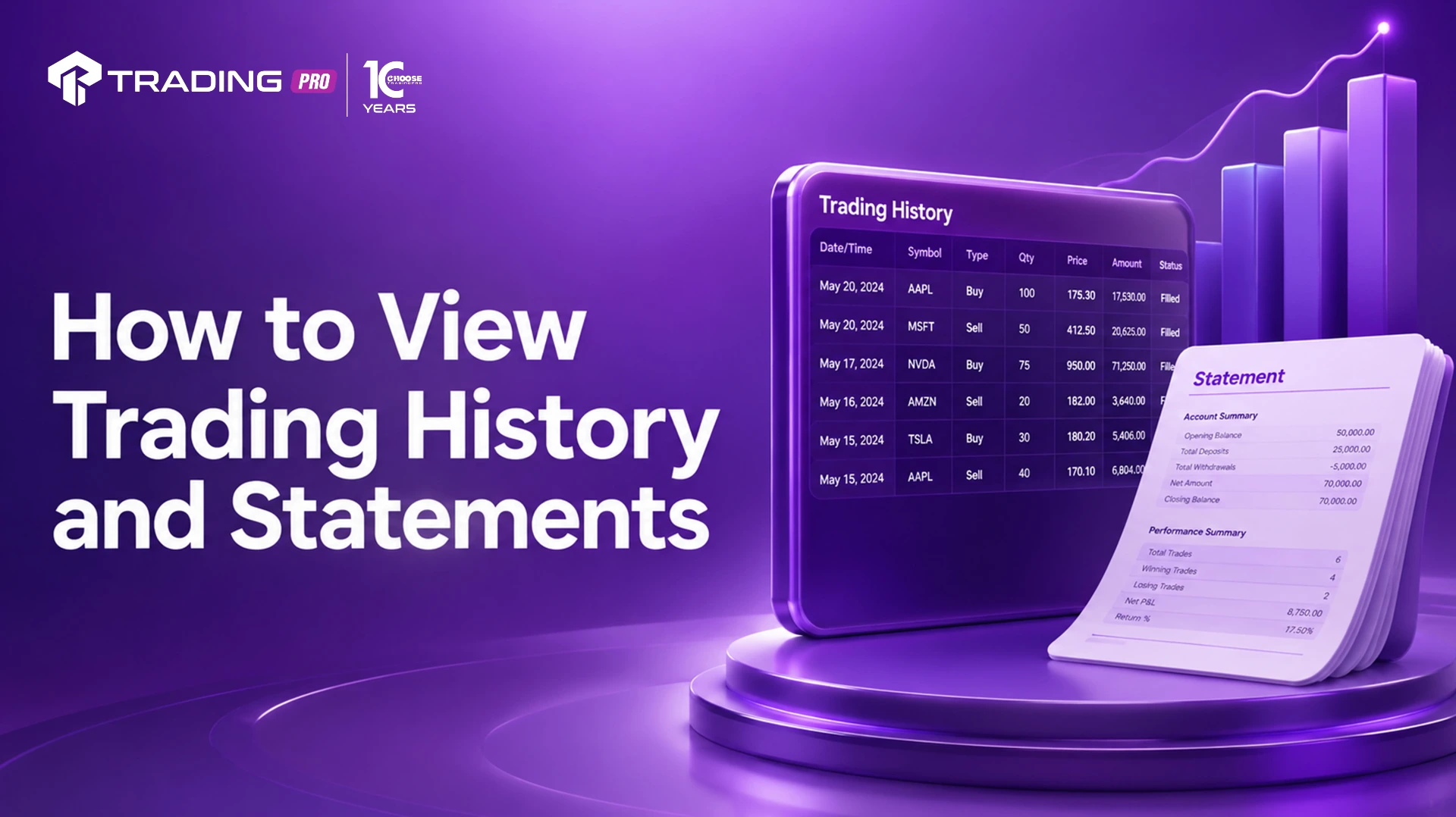
Reviewing your past trades is one of the most underrated habits in trading. It's easy to focus entirely on your next setup while overlooking what your historical data is telling you about your actual performance. MetaTrader 5 (MT5) makes this straightforward through its built-in History tab, along with tools for generating detailed account statements you can review, save, or share.
This guide explains how to view your trading history on MT5, how to filter and organize that data, and how to generate a full account statement for deeper analysis.
Where to Find Your Trading History on MT5
Your trading history is located in the Terminal window, specifically under the History tab. If the Terminal window isn't currently visible, open it via the View menu, or use the keyboard shortcut Ctrl+T, then click on the History tab at the bottom of the panel.
This tab displays a complete record of your account activity, including:
- Closed trades, with entry price, exit price, volume, and profit/loss
- Pending orders that were cancelled or expired
- Deposits and withdrawals
- Balance adjustments made by your broker, where applicable
Step-by-Step: Viewing Your Trading History
Step 1: Open the History Tab
Click on the History tab within the Terminal window at the bottom of your MT5 platform.
Step 2: Select Your Desired Time Period
Right-click anywhere within the History tab to bring up a context menu, then hover over the period options, which typically include:
- Today
- Last Week
- Last Month
- Last 3 Months
- Custom Period
Selecting Custom Period allows you to define a specific start and end date, which is particularly useful when reviewing performance across a specific trading phase or comparing results month to month.
Step 3: Review the Displayed Data
Once your period is selected, MT5 will populate the tab with all matching records, showing details such as the symbol traded, order type, volume, opening and closing prices, opening and closing time, stop loss and take profit levels used, and the resulting profit or loss for each trade.
Step 4: Sort and Organize Columns
Click on any column header, such as "Profit" or "Symbol," to sort your history by that field. This makes it easier to identify patterns, such as which instruments have historically performed best for your strategy, or how frequently you're closing trades at a loss versus a profit.
Generating a Full Account Statement
Beyond simply viewing history within the platform, MT5 allows you to generate a formal account statement, useful for record-keeping, tax purposes, or performance reviews.
Step 1: Right-Click Within the History Tab
With your desired time period already selected, right-click anywhere in the History tab.
Step 2: Select "Report"
From the context menu, choose Report, which will typically offer a few sub-options.
Step 3: Choose Your Preferred Format
MT5 commonly supports generating statements in the following formats:
- HTML: Opens as a formatted report directly in your web browser, ideal for a quick, readable summary.
- XLSX (Excel): Exports your trading data into a spreadsheet, useful for custom analysis, filtering, and building your own performance charts.
Select the format that best matches how you intend to use the data.
Step 4: Save the Statement
Once generated, save the file to a location on your device where you can easily retrieve it later, such as a dedicated folder for trading records.
What's Included in a Standard Account Statement
A typical MT5 account statement includes:
- Account details, including account number and reporting period
- A full list of closed trades, including entry/exit prices, volume, and results
- Deposit and withdrawal history
- Summary statistics, such as total net profit, gross profit, gross loss, and total number of trades
- Balance and equity figures at the start and end of the reporting period
This summary data is particularly useful when evaluating your overall performance over a longer period, rather than assessing trades individually.
Using Trading History to Improve Performance
Reviewing your trading history isn't just a record-keeping exercise. It's a genuine performance tool when used consistently:
- Identify your most profitable instruments: Sorting by symbol and profit can reveal where your strategy performs best, and where it may be underperforming.
- Spot patterns in losing trades: Reviewing closed trades with losses can highlight common mistakes, such as trading against a clear trend or ignoring your own stop loss discipline.
- Track your win rate and risk-to-reward ratio over time: Exported spreadsheet data makes it easier to calculate these metrics accurately rather than relying on memory or impression.
- Monitor consistency across different market conditions: Comparing performance across custom periods can show whether your strategy holds up during high volatility versus quieter markets.
Common Mistakes When Reviewing Trading History
- Only reviewing wins: Focusing exclusively on profitable trades while skipping over losses misses valuable lessons about what to avoid repeating.
- Not exporting data regularly: Relying solely on the in-platform History tab without periodically saving statements can make long-term trend analysis more difficult.
- Ignoring deposit and withdrawal entries: These entries affect your overall balance calculations and should be accounted for when assessing true trading performance versus account funding activity.
- Reviewing history without a clear framework: Simply scrolling through past trades without tracking specific metrics, such as win rate or average risk-to-reward, limits how actionable the review actually is.
Final Thoughts
Your MT5 trading history and account statements hold far more value than most traders realize during day-to-day trading. Learning how to access, filter, and export this data turns raw trade records into a genuine feedback loop for improving your strategy over time.
Set aside time each week or month to review your TradingPRO MT5 trading history using the steps outlined above. Building this habit consistently is one of the simplest ways to identify what's working, correct what isn't, and trade with a clearer picture of your actual performance.


